
Appearance
Pupil details
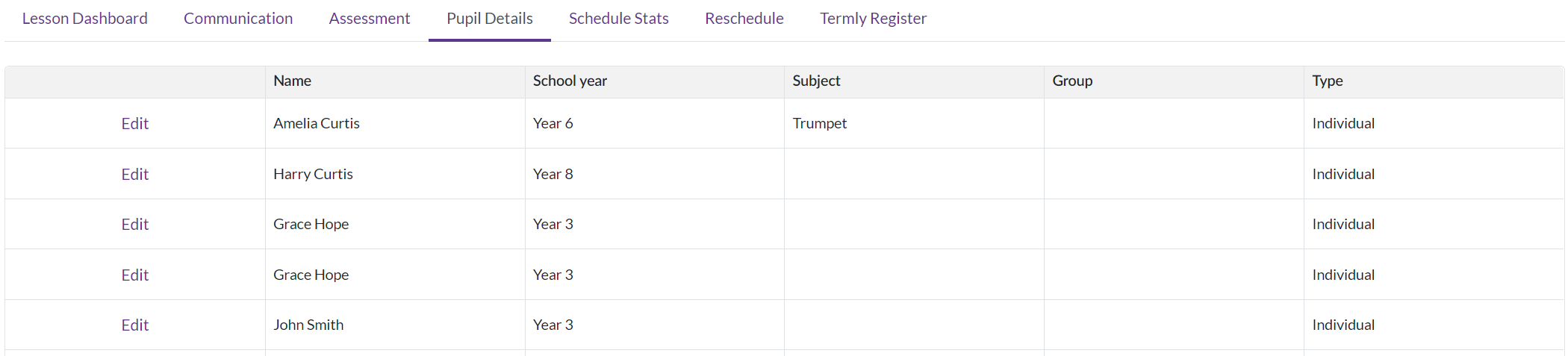
Pupil details are not a tab of their own — they are the pupil list on the Register tab. Besides ticking people present, that list is where you see and adjust what each pupil is doing in the lesson.
What the row shows
| Column | |
|---|---|
| Name | The pupil. A musical note means they need to borrow an instrument |
| Subject | What they are learning |
| Group and Time | Their teaching group, and when their slot in the lesson starts |
| School Class | Their class at school |
| Duration | How long their slot is, from their activity rate |
| Hire | The reference of an instrument out with them |
| Invoice | Where their invoicing has got to |
| Register Key | Their mark for this lesson |
| Additional Info | A free-text box you can type in |
Tidy the columns once
The column chooser lets you hide the ones you never look at, and your choice is remembered for next time. On a crowded group lesson, dropping Invoice and School Class makes the register much easier to read.
What you can change
The Edit icons beside Group and Time are the two things a teacher can adjust directly: which teaching group a pupil is in, and when their slot starts. Both are the kind of thing that changes week to week in a group lesson, which is why they are editable here rather than in the office.
Additional Info is a note on the pupil for this lesson — type in it and it is kept.
What the row tells you about a pupil leaving
Two states appear in place of the buttons:
- Withdrawing — they are in the process of leaving.
- Finish requested — somebody has asked for them to be finished and the office has not actioned it yet.
Then, depending on who pays:
- Finish and Remove for a school-billed pupil.
- Request Finish for a parent-billed one, which asks the office rather than doing it.
An instrument out stops both
Finish and Remove are disabled while the pupil still has an instrument assigned to them. Take it back first — on the lesson's resources, or through My Resources — and the buttons come back. It is a deliberate order: finishing a pupil who still has a cello loses track of the cello.
The full rules for finishing and removing, including why Remove is narrower than it looks, are on the Register page.
The pupil's whole record
Clicking the pupil's name leaves the lesson and opens their record: their details, contacts, medical information, privacy settings, every activity by year, your notes on them and their exam history.