
Appearance
Create Consultation
Create Consultation is where you offer parents times to come and see you. You do not book individual parents in — you put slots up, and families book themselves into them.
Where to find it: Teaching > Consultations > Create Consultation
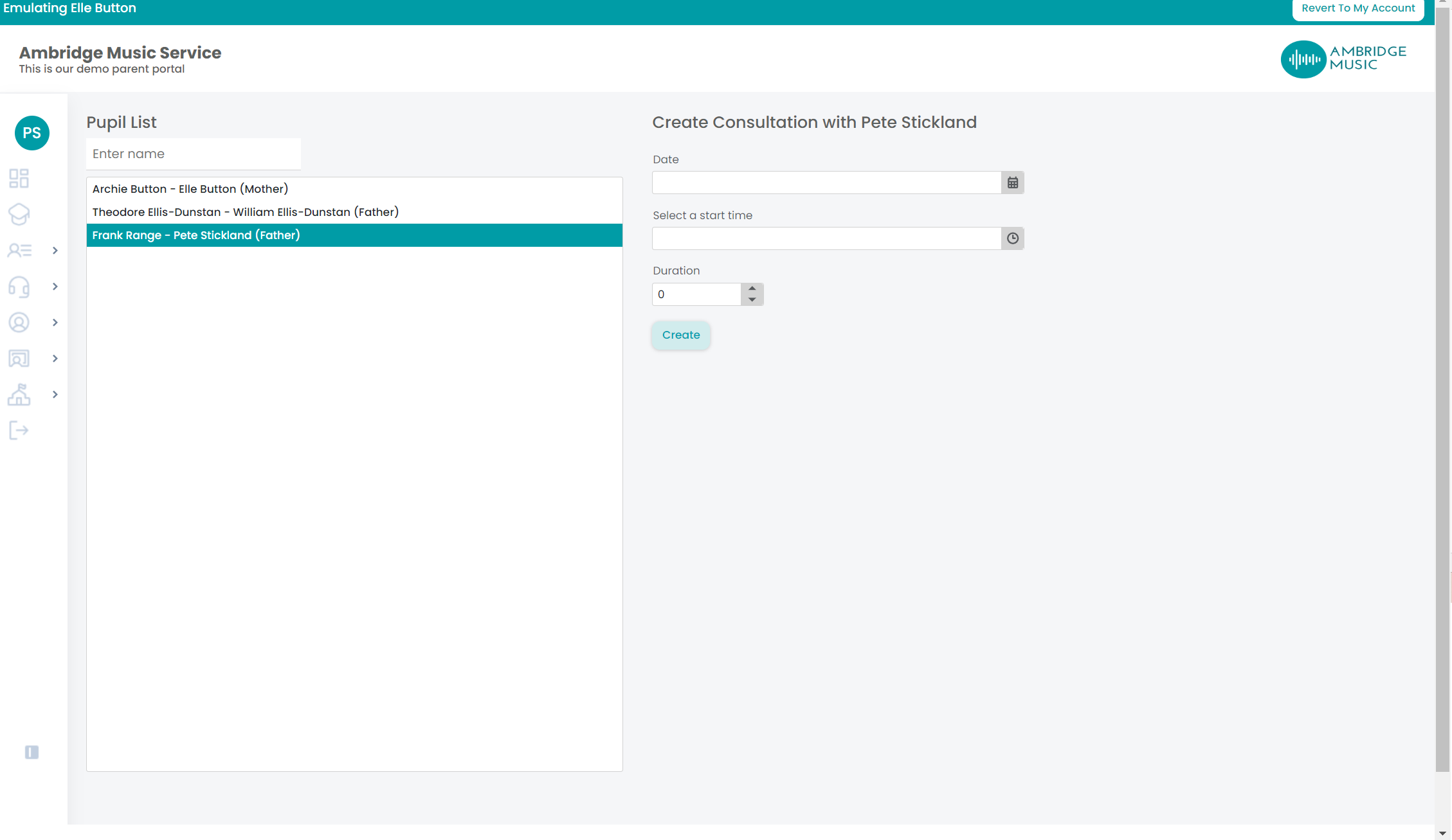
Start by choosing the event at the top. Consultations hang off a consultation event your service has set up and opened; if nothing is open, the page says no open events and there is nothing you can do until the office opens one.
How your event is going
Once you pick an event you get four numbers:
| Required bookings | How many families are expected to book with you |
| Bookings | How many have |
| Completed bookings | How many have happened |
| Missed bookings | How many were booked and not attended |
Required against Bookings is the one to watch while an event is open: the gap is the families still to book, and whether you need to put more slots up.
Putting up slots
Under Create session, give a Date, a Start time and the number of slots, then Create. The slots are made back to back from the start time, so a 4.00 start with six slots fills the time after four o'clock — you are creating a block of appointments in one go, not one appointment.
Your booked sessions
Each session you have created is listed. The button on it changes with the clock:
- Open appears from 15 minutes before the session starts until it ends. That is the live view, for marking attendance and taking notes as parents arrive.
- View is what you get at any other time — before that window, or after the session has finished.
View past sessions opens the history for the event, so earlier sessions stay out of the way without being lost.
Cancelling a session
Open a session and you can Cancel session. What that means depends on whether anybody has booked:
- Nobody has booked — it is simply removed.
- Somebody has booked — you are told so, and shown who. Cancelling takes the bookings with it and emails each parent who had booked.
Cancelling a booked session writes to those families
Those emails go out as soon as you confirm, so a session cancelled by mistake cannot be quietly recreated — the families have already been told. Check the list of bookings the dialog shows you before you confirm.