
Appearance
Contact School
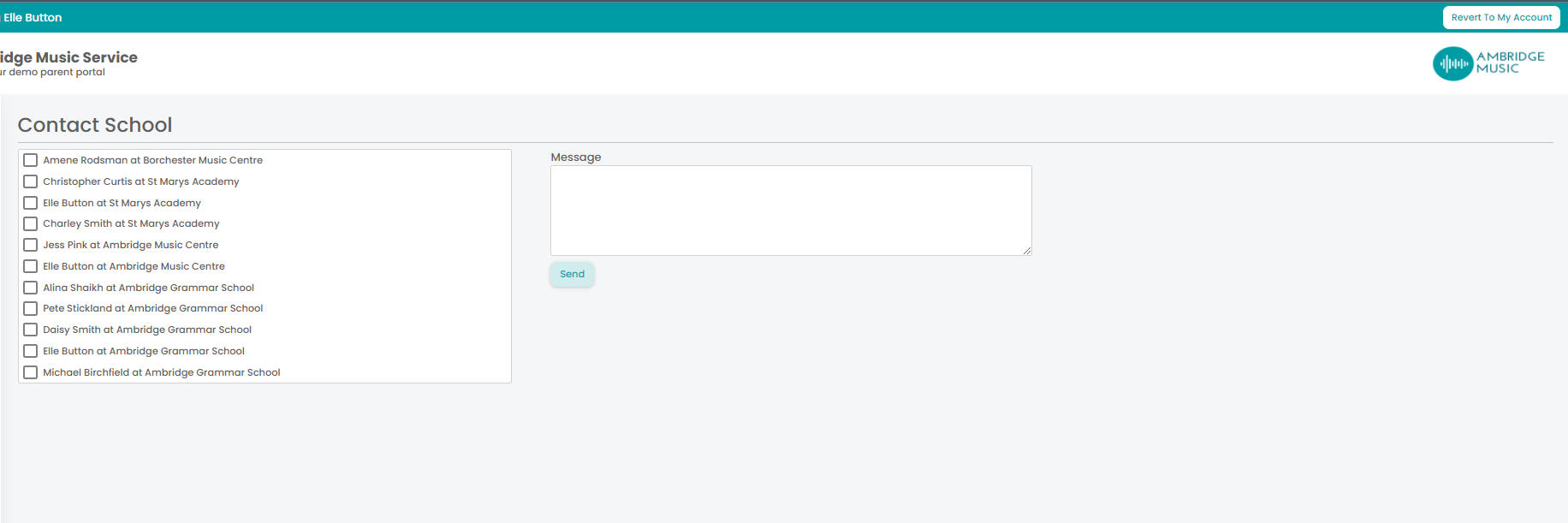
Contact School writes to the schools you teach at — most often to say you will be late or cannot teach, which is the message that needs to arrive quickly and reach the right person.
Where to find it: Teaching > Teacher Admin > Contact School
Secure message or email
Choose the type first, because it changes who you can reach and what you can write:
| Secure Message | Always available. Arrives in the recipient's Portal, with an email telling them it is there |
| Only where at least one of your schools allows teachers to email it |
Whether email is offered is set per school, so you may be able to email one school and only send a secure message to another. With only one type available it is chosen for you.
Then pick the schools, and the contacts at them, from the list — one, several, or all of them.
Writing it
A Subject, and the message. An email gets a formatting editor — bold, italic, underline, lists and links — while a secure message is plain text.
Attaching a file
Attach a file adds attachments, as on New message and Contact Admin. Each file is checked as you pick it — how many you have attached, how big it is and whether it is a type your service allows — so a file that cannot be sent is refused there and then, with the reason, rather than failing when you send.
Your service sets the limits. Where they cannot be read the Portal allows up to 5 files, each up to 10 MB.
One attachment, several schools
Writing to more than one school sends a separate message to each, and your attachments go with every one of them. That is what you want for a letter to all your schools — and worth a second thought before you attach something that concerns only one of them.
A register from the week summary
Coming here from School register on your week summary sets the message up for you: that school's people ticked, the subject already written, and the register attached as Register for the week commencing dd/mm/yyyy.
The register counts as one of your attachments, and you can remove it like any other if you decide to write without it. It is attached to that school's message only — if you tick other schools as well, they get your message and your own files, not that school's register.
For "I am running late", the secure message is the safer choice
It always works, whatever the school has allowed, and it is logged against both records. An email is better when you need somebody to be able to forward it on to a colleague.
To write to your own office rather than a school, use Contact Admin.