
Appearance
Event Delegates
Event Delegates lists who is booked onto the events you are the primary teacher for — your register for a course, a workshop or a tour.
Where to find it: Teaching > Pupil Management > Event Delegates
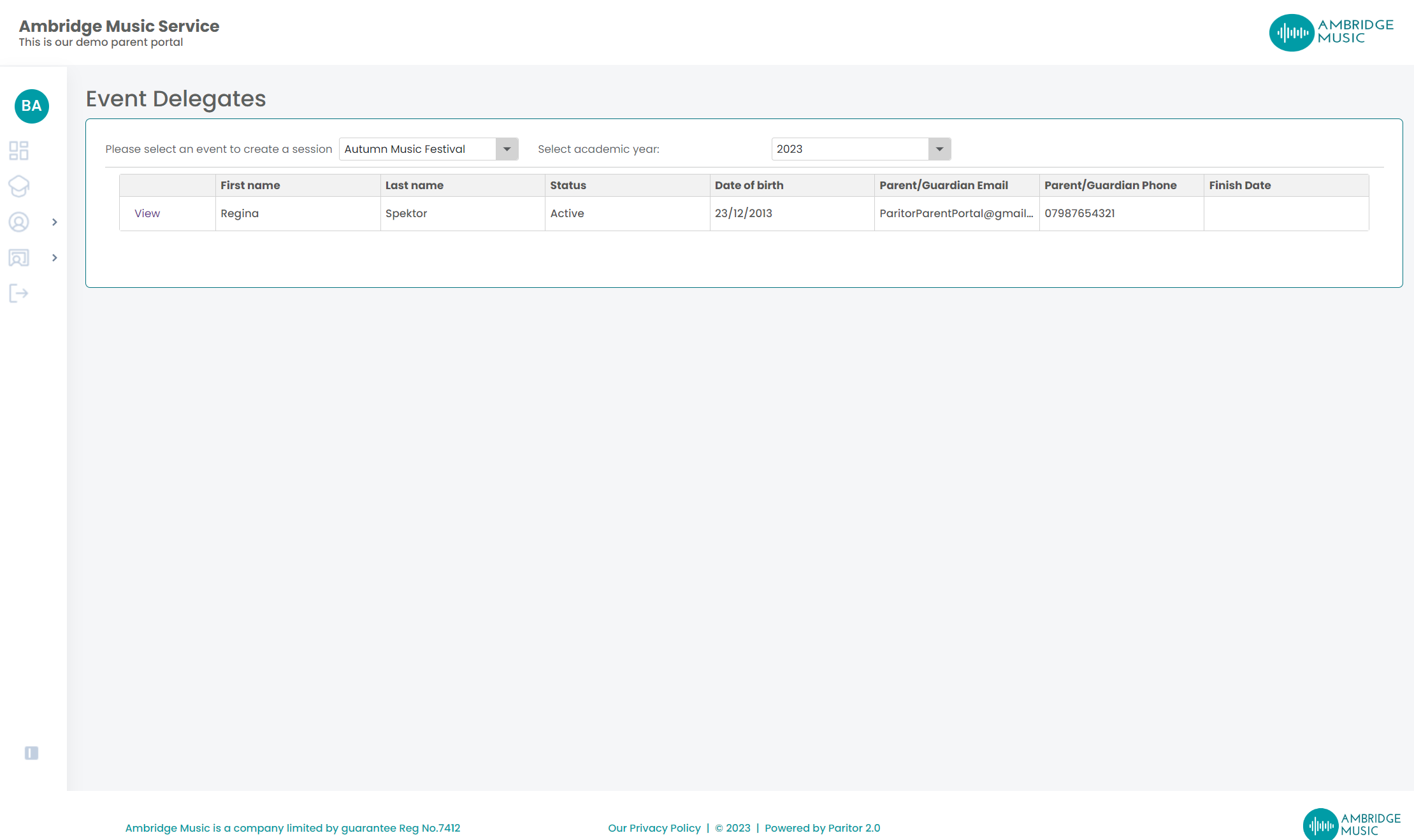
Pick the event and the academic year at the top. Both matter: an event that runs every year has a separate set of delegates for each one.
The columns
| Column | |
|---|---|
| First Name and Last Name | The delegate. Click to open their pupil page |
| Status | Where their booking has got to |
| DOB | Their date of birth |
| Parent/Guardian Email and Phone | Only where your service lets teachers see contact information |
| Finish Date | If they have left the event |
| Additional Info | View, where that delegate filled in a form |
Additional Info is the one worth opening before the event rather than on the day. It is the form your service asked the family to complete when they booked — so dietary requirements, consent answers, who is collecting them, whatever your service put on it. The button only appears for delegates who have a form, so a row without one has nothing behind it.
DOB is there for a reason
On a residential or a tour, the age spread is what drives rooming, supervision ratios and consent. It is easier to notice an eleven-year-old among sixth formers now than at the coach door.
What you cannot do here
This is a list, not a workflow. You cannot add, remove or amend a delegate, and nothing you do on this page changes their booking. Bookings are managed in the office; where your service runs two-tier events and you are the one deciding who gets a place, that is Pupil Evaluation instead.