
Appearance
Lesson Dashboard
Click a lesson in your diary and it opens as the Lesson Dashboard: everything about that one lesson, in tabs across the top.
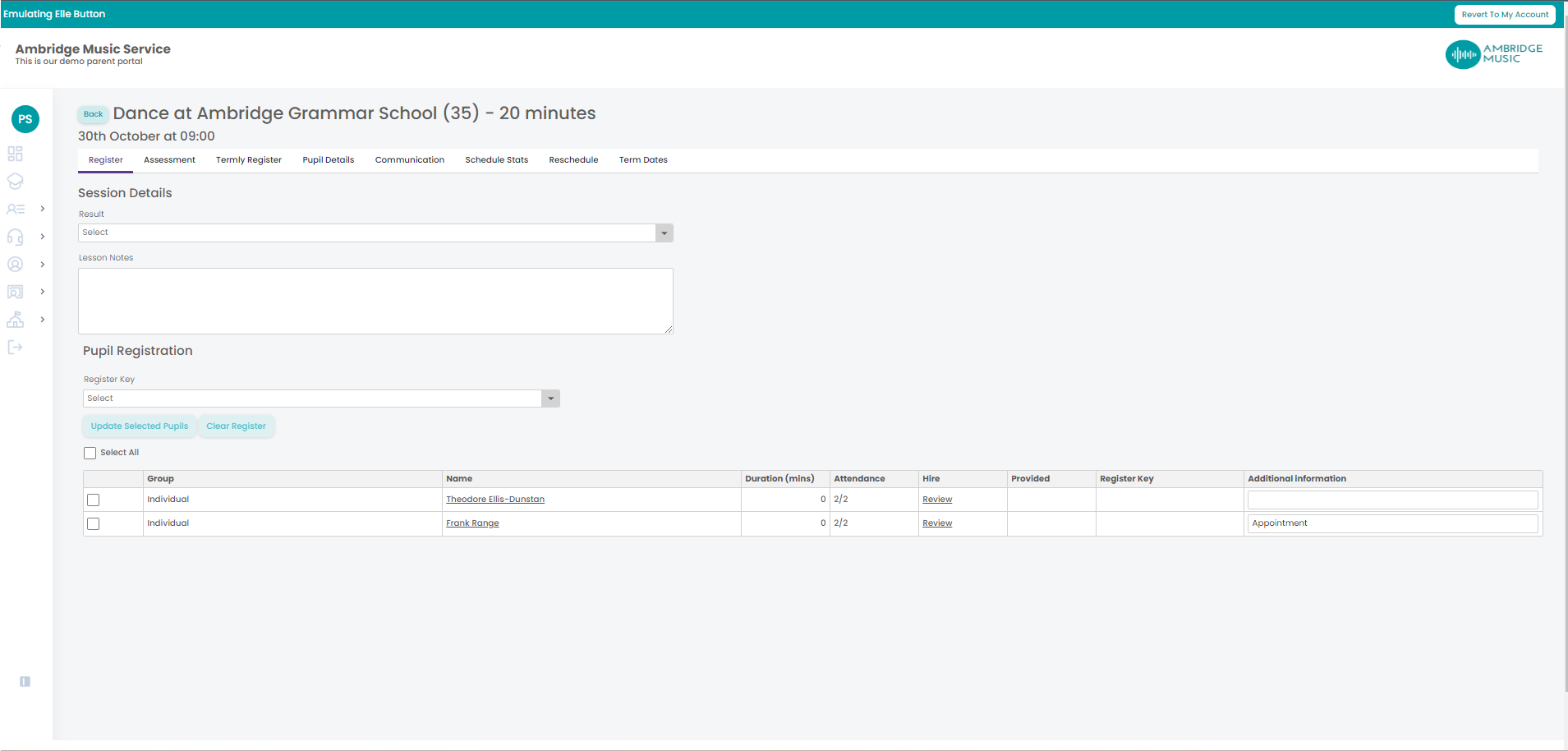
The heading tells you which lesson you are in. For a group or school lesson it names the activity with the date and time, and puts a Timetable button beside it that takes you to the block's timetable. For a one-to-one it names the pupil, with the activity and venue underneath and the tuition notes if there are any.
The tabs you will see
Only some tabs are there every time. Most depend on the lesson, and a missing tab is usually the system telling you something rather than a fault:
| Tab | When it is there |
|---|---|
| Register | Always. The task result, the lesson notes and who attended |
| Pupil Assessment | Where your service uses assessment levels. Not on a one-to-one |
| Termly Register | Group and school lessons. Not on a one-to-one |
| Waiting List | Only when somebody is waiting for a place on this activity |
| Communication | Only when the lesson has at least one full pupil |
| Schedule Stats | Always |
| Reschedule | Only while the lesson can still be moved — that page explains why it disappears |
| Term Dates | When the lesson belongs to a block |
A one-to-one has fewer tabs, on purpose
One-to-one tuition has no Pupil Assessment, Termly Register, Waiting List or Reschedule tab. Everything for that lesson — including adding a pupil and booking a make-up — is on its Register tab instead.
The Waiting List tab is the same list as the Waiting List page, narrowed to this activity, so you can look at somebody waiting for a place without leaving the lesson you are marking.