
Appearance
My Dashboard
The Dashboard
When a Teacher logs in they will see a similar screen to the Parent Portal. The menu will be down the left hand side which can be expanded and shrunk. There are sections within their Dashboard depending on what they have on. If they are also a parent, they will see the relevant sections within the Dashboard for this too - with the Portals there is just one single login. Down the right hand side is a space for Adverts that you can set up within Xperios.
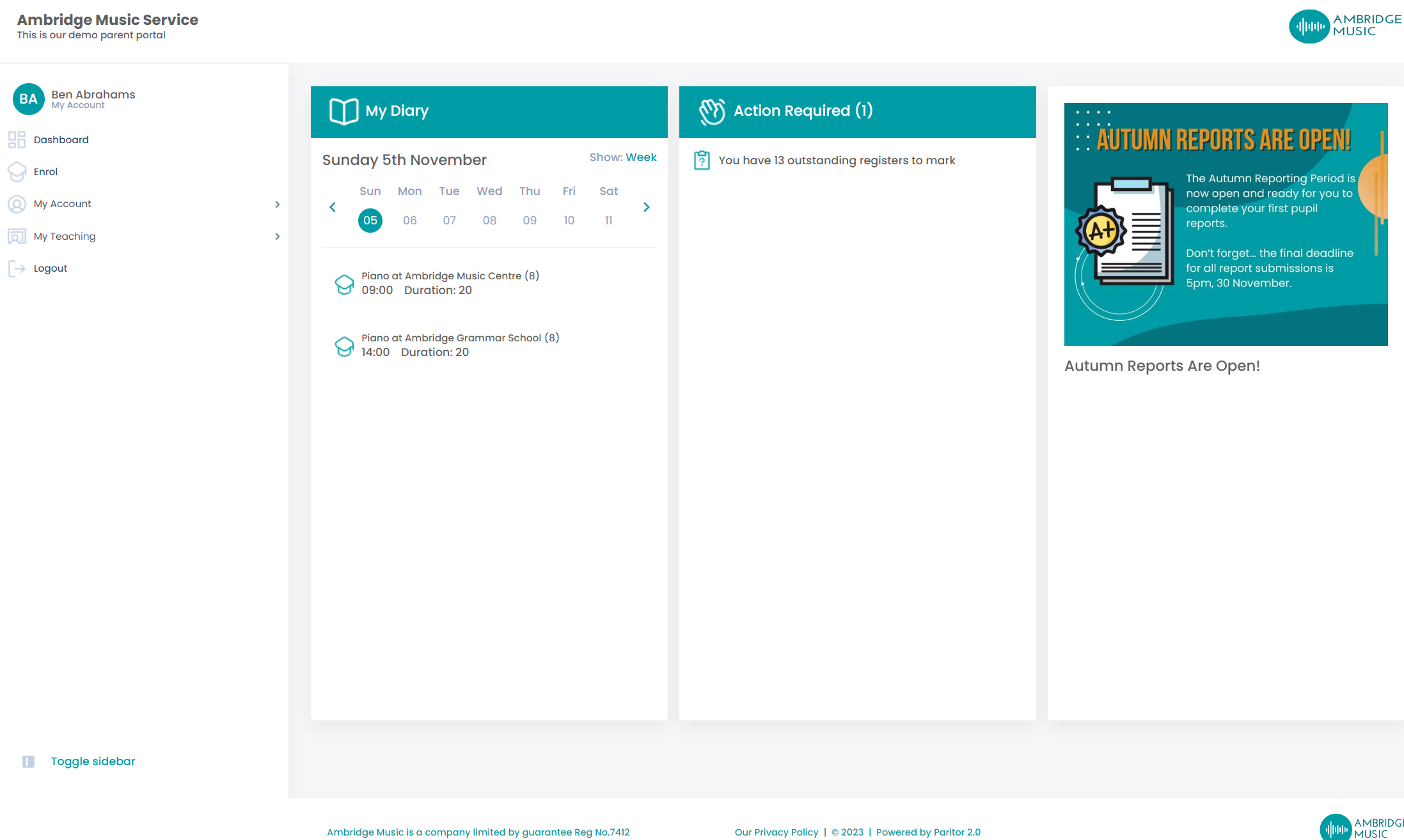
My Diary - here you'll see a diary view within the dashboard, showing what you've got on for the selected day or week.
Actions Required - anything that requires action will appear here: registers to mark, lessons with no outcome, make-ups to arrange, lessons somebody has disputed, 1:1 activities waiting on the family, connection requests from schools, applicants to evaluate and unread messages. Each count is simply the length of its list, so a number here always matches what you find when you open it.